DP – How to upload a new profile DP
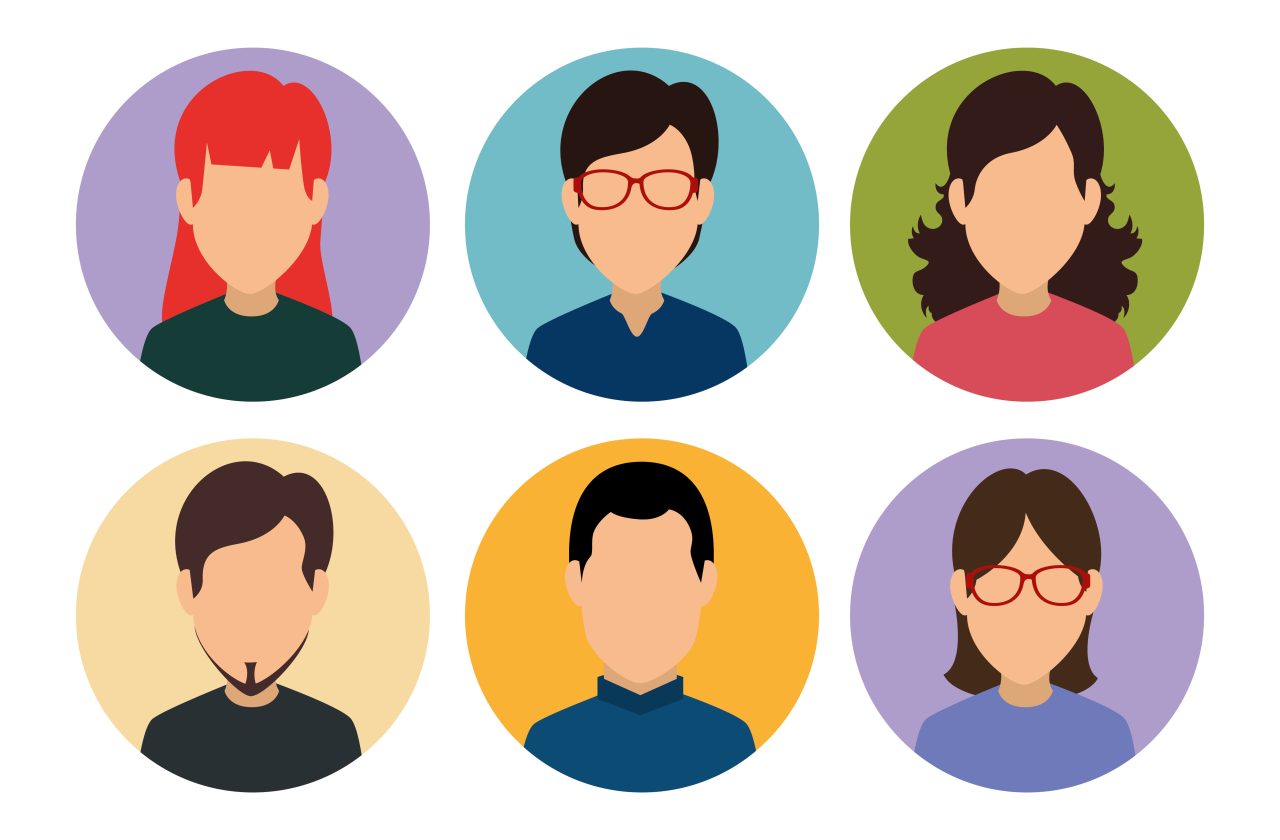
After login click on “Profile” for changing the DP of the profile section


Pop-up for uploading a profile image will get open here user can click on upload profile and new image can be seen after uploading the profile

Here we can edit the profile image by doing multiple options to edit the profile

After editing the profile user can upload the profile image

Here after uploading the profile image it is displaying on profile section
Check – https://blog.30mins.com/best-online-scheduling-software/
Instagram – http://instagram.com/30mins_com/
Pop-up for uploading a profile image will get open here user can click on upload profile and new image can be seen after uploading the profile DP
Here after uploading the profile image it is displaying on profile section